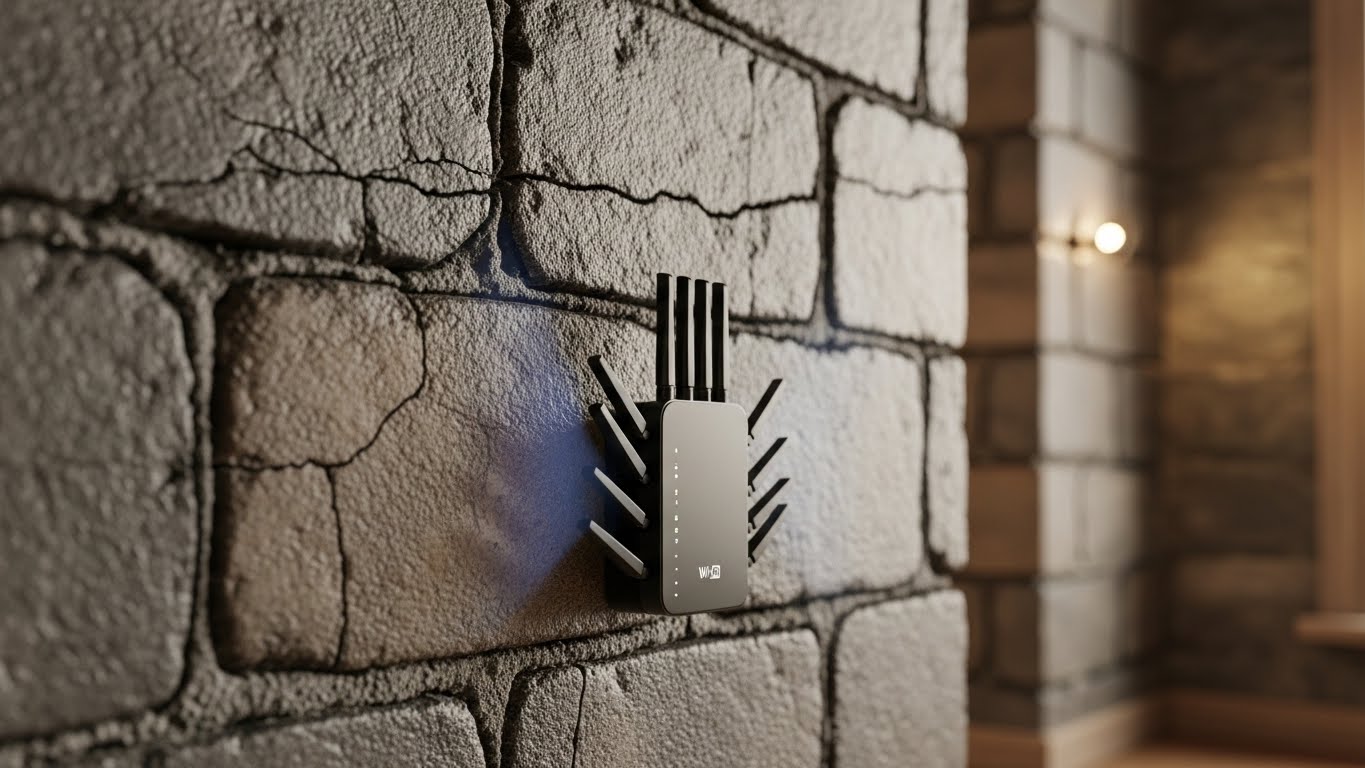
Thick walls (brick, concrete, plaster, tile) don’t just “slow Wi-Fi down” — they kill signal strength and cause random disconnects. The right extender can help, but only if you prioritize stable 2.4GHz coverage and smart placement over flashy speed claims.
Disclosure: Some links may be affiliate links. As an Amazon Associate I earn from qualifying purchases.
Quick reality check (thick walls + Wi-Fi)
- 2.4GHz penetrates walls better than 5GHz. It’s usually the band that keeps you connected through concrete.
- 5GHz is faster, but it drops off hard through dense materials.
- The best extender for thick walls is often the one that provides steady 2.4GHz and an Ethernet port (for wired devices or a stronger connection in certain setups).
- Coverage numbers like “10,000 sq ft” are usually best-case marketing. In real apartments, wall type and placement matter more.
What I looked for (thick-wall priorities)
- Strong 2.4GHz stability (fewer drops, better reach)
- Dual-band support (so close devices can use 5GHz when available)
- Ethernet port (great for a smart TV/console or better stability)
- Multiple antennas / stronger radios (helpful in dense layouts)
- Simple setup (because the best extender is the one you actually configure correctly)
1) “2026 Fastest” Wi-Fi Extender Signal Booster (2.4GHz + Ethernet) — Best for Simple 2.4GHz Coverage Boost
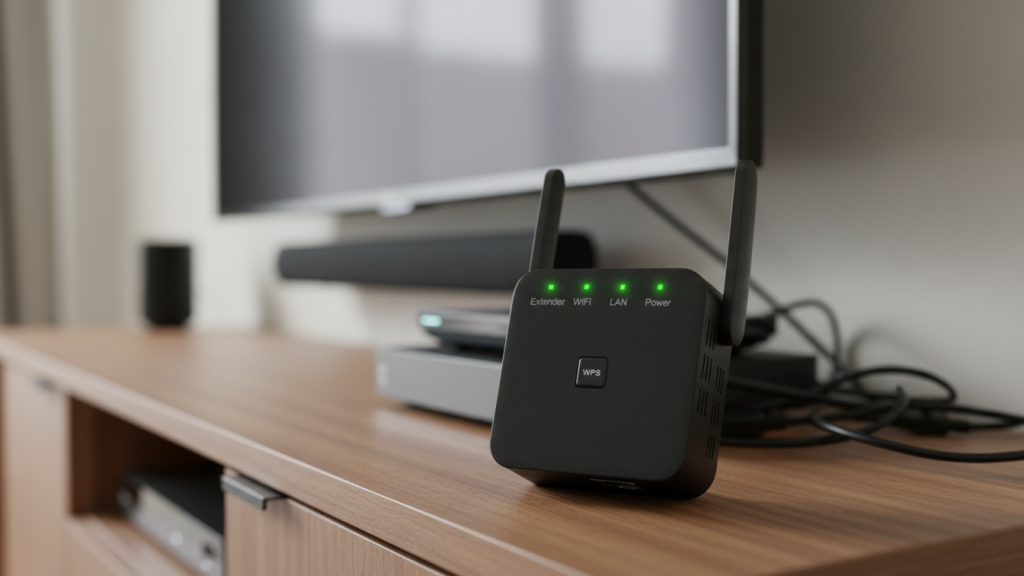
What it is
A plug-in style extender focused on 2.4GHz range with an Ethernet port, aimed at eliminating dead zones in basic setups.
Why it can work for thick walls
If your main problem is “Wi-Fi dies in the bedroom,” a 2.4GHz-focused extender placed correctly can be a practical fix. The Ethernet port is a bonus if you want to hardwire a device (TV/PC) in the weak area.
Pros
- Prioritizes 2.4GHz reach (the band that survives walls better)
- Ethernet port can stabilize one device instantly
- Straightforward “boost coverage” approach
Cons
- Generic “huge coverage” claims are usually optimistic
- If your router signal is already weak where you plug this in, performance will still be limited
Best for: renters/apartments that need better 2.4GHz reach without complicated features.
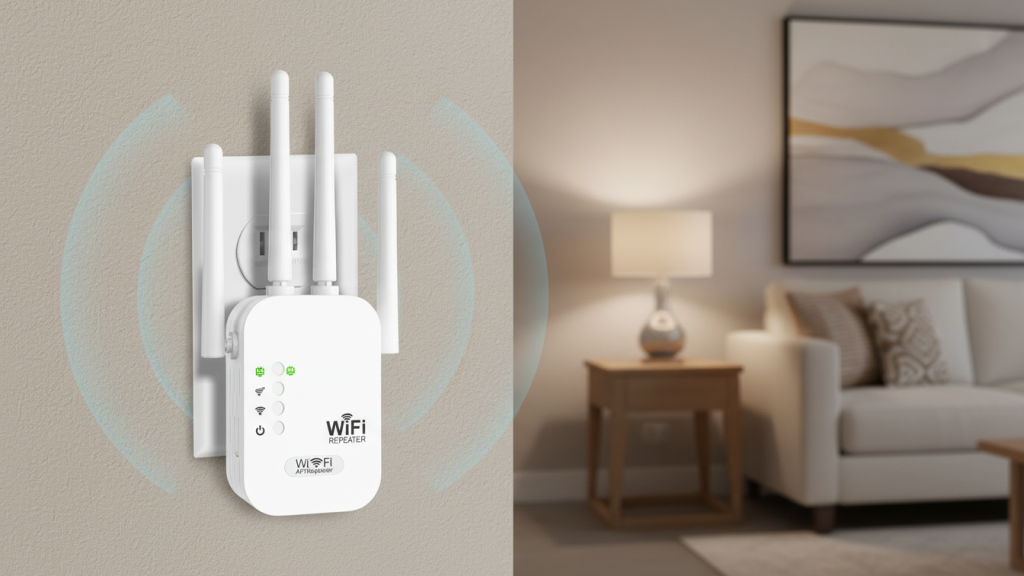
2) “2025 WiFi Extenders” Long Range Plug-In Extender — Best Budget-Friendly Option for Basic Dead Zones
What it is
A compact plug-in extender marketed for long range and quick setup, designed to improve general coverage in typical homes.
Why it’s worth considering
This style is usually best when you want a simple extender for a single dead zone (back bedroom, kitchen corner). For thick walls, the key is using it mainly for 2.4GHz stability, not chasing top speed.
Pros
- Easy to install and move around while testing placement
- Often works well for browsing, smart home devices, and general use
- Can help stabilize connections in “almost there” areas
Cons
- Performance can vary widely depending on wall material and router strength
- Not the best choice if you’re trying to stream 4K through multiple thick walls
Best for: light-to-moderate internet use where the goal is fewer dropouts, not maximum speed.
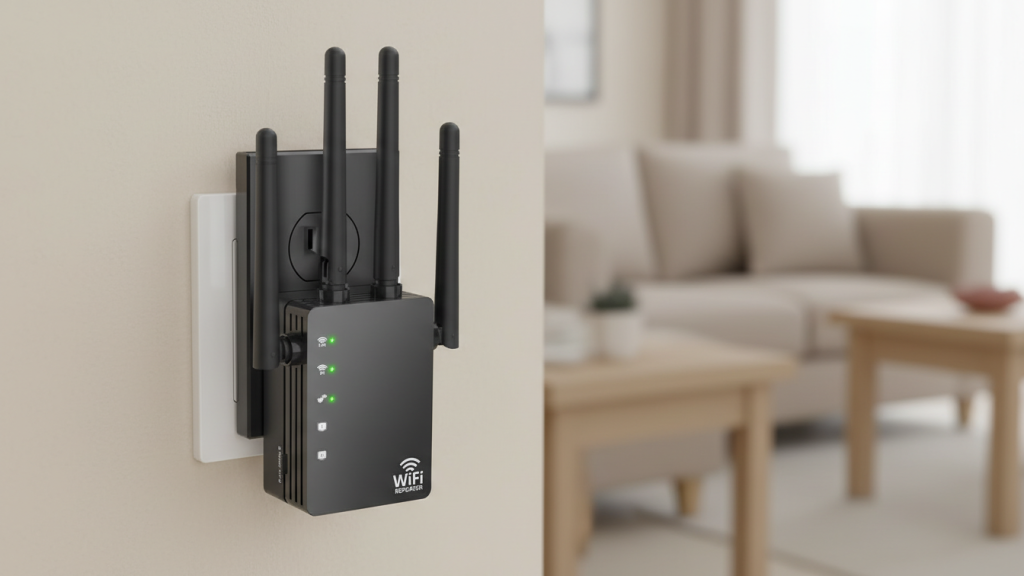
3) AC1200 Dual-Band Extender with 4 Antennas (2.4GHz/5GHz) — Best for Hard Layouts (More Antennas + Better Positioning Flex)
What it is
A dual-band extender with multiple antennas, typically offering repeater/AP-style modes depending on model settings.
Why it’s better for thick walls than tiny extenders
In dense layouts, having more antennas and a slightly larger unit can help you find a better “sweet spot” for signal pickup and re-broadcast. For thick walls, you’ll still lean on 2.4GHz, but the extra hardware can help consistency.
Pros
- Multi-antenna design can help coverage and stability in tricky layouts
- Dual-band lets nearby devices use 5GHz when it’s strong enough
- Good choice if you’re willing to tweak placement for best results
Cons
- “1200Mbps” is a theoretical number, not what you’ll get through thick walls
- Can create a separate Wi-Fi name depending on setup (unless it supports seamless roaming)
Best for: apartments with awkward corners, long hallways, or multiple dense walls.
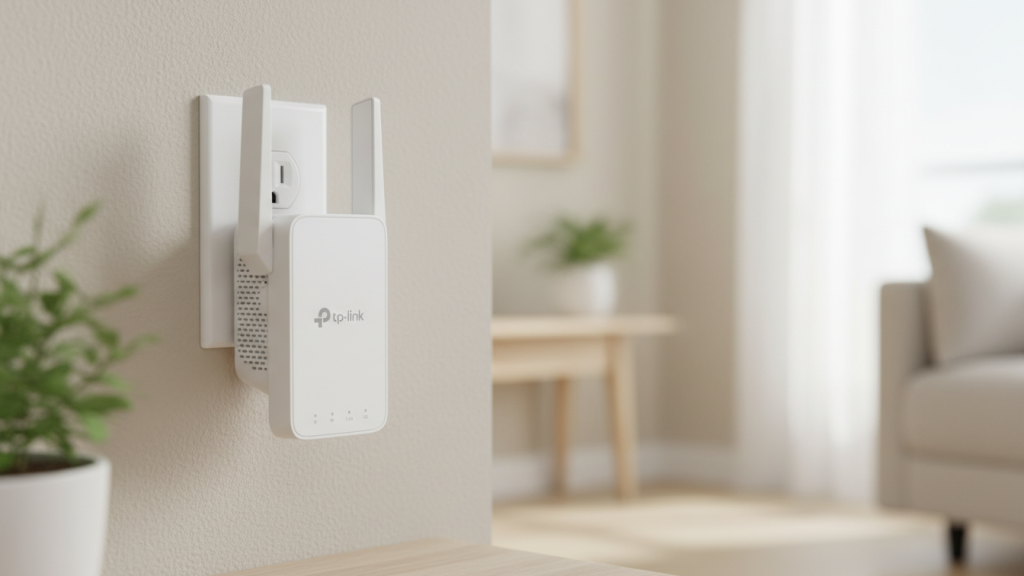
4) TP-Link AC1200 Wi-Fi Extender (RE315) — Best Overall for Thick Walls (Reliable Brand + Practical Performance)
What it is
A well-known AC1200-class dual-band extender with 2.4GHz/5GHz, often favored because it’s generally predictable to set up and stable for everyday use.
Why it’s the best overall pick
When dealing with thick walls, reliability matters more than hype. TP-Link extenders in this class are a common “safe bet” because setup tends to be smoother, and performance is usually consistent for what this category is meant to do: extend coverage, not perform miracles.
Pros
- Strong all-around option for stability and basic coverage expansion
- Good for 2.4GHz reach through walls + 5GHz for nearby devices
- Easier to recommend as a “buy it and it works” extender
Cons
- Still limited by physics: if your router signal is weak in the outlet location, results drop
- For very thick concrete walls, mesh or wired backhaul may be a better long-term fix
Best for: most people who want stable 2.4GHz coverage and fewer disconnects in thick-wall homes.
Best choice (optimized pick)
✅ Best Overall for Thick Walls: TP-Link AC1200 Extender (RE315)
It’s the most balanced option here for real-world reliability, easy setup, and stable 2.4GHz performance.
If you need the simplest 2.4GHz boost + a wired device:
Pick the 2.4GHz-focused extender with Ethernet (Item #1). That Ethernet port can be a lifesaver for a TV or PC in a dead zone.
How to place an extender for thick walls (this is where people mess up)
Most “extenders don’t work” complaints are actually placement issues.
The best rule:
Plug it halfway between your router and the dead zone — not inside the dead zone.
If you place it where Wi-Fi is already weak, it will just repeat a weak signal.
Quick placement checklist
- Put it in an outlet where your phone shows at least 2–3 bars of Wi-Fi
- Keep it away from: metal cabinets, microwaves, thick mirrors, and behind TVs
- In apartments: hallways often work better than back bedrooms (more central path)
Settings that reduce disconnects (and make 2.4GHz behave)
- Use 2.4GHz for devices far from the extender or behind thick walls
- Use 5GHz only when you’re closer and signal is strong
- If your extender creates a second network name, consider:
- naming it clearly (e.g., “Home-2.4-EXT”), or
- enabling a “same-name”/roaming mode if supported
- Lower channel congestion:
- 2.4GHz works best on channels 1, 6, or 11 (pick the least crowded)
Honest expectation (so you’re not disappointed)
A Wi-Fi extender can absolutely help thick-wall apartments — but it’s not magic.
- If you need strong internet through multiple concrete walls, you may need mesh or wired backhaul (Ethernet/MoCA).
- For most renters dealing with one or two dead zones, a good extender + good placement is a solid fix.